S
School Admin
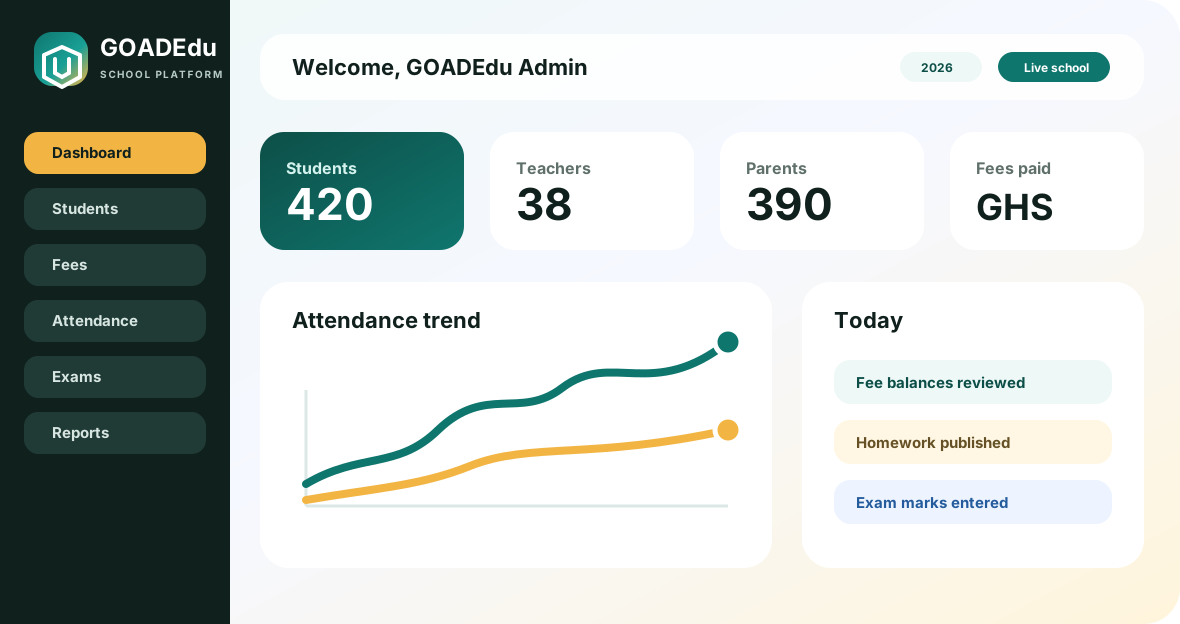
School setup, students, staff, academics, fees, reports, communication, and settings.
Start here: Start from the dashboard, review students and staff, then check fees and reports.
Login: comfort.kwarteng4@staff.goadedu.com / 123456
T
Teacher
Lesson plans, homework, attendance, marks, notices, and class work.
Start here: Review assigned classes, mark attendance, add homework, then enter exam marks.
Login: naa.acheampong1@staff.goadedu.com / 123456
A
Accountant
Fees, invoices, payments, income, expenses, and finance reports.
Start here: Open fees collection, review balances, post a payment, then check reports.
Login: vida.asante7@staff.goadedu.com / 123456
R
Receptionist
Admission enquiries, visitors, postal records, calls, and front office logs.
Start here: Open admin office, add an enquiry, record a visitor, then check follow-ups.
Login: samuel.addo10@staff.goadedu.com / 123456
L
Librarian
Book categories, book lists, library members, and issue/return tracking.
Start here: Open library, review books, issue a book to a student, then check returns.
Login: prince.yeboah13@staff.goadedu.com / 123456
S
Student
Student dashboard, homework, attendance, fees, routines, exams, and notices.
Start here: Check homework, class routine, notices, fees, and exam results.
Login: comfort.quartey1@student.goadedu.com / 123456
P
Parent
Child profile, fee status, attendance, homework, results, and school notices.
Start here: Select a child, review fees and attendance, then check homework and notices.
Login: guardian_1@goadedu.com / 123456